



 After adding Sindhi and Pashto in its ‘Translate’, the world’s search engine, Google has rolled out yet another facility for the users in Pakistan the advanced navigation system for Pakistani’s.
According to local media reports, Google Navigation turn-by-turn navigation feature is presently available for beta users and can be accessed through any android phone. The new and improved navigation system, will allow users to get automatic guidance based on their real-time location and turn by turn details through voice commands.
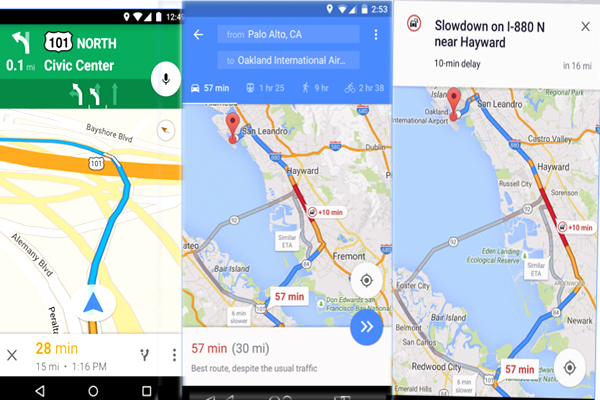 In the new system, when in navigation mode, the user phone screen will remain lit all the way with voice guidance for any alerts or turns ahead. This voice guidance would also alert the user of real-time happenings, such as traffic jams or in case you take a wrong turn.
The navigation system previously available on Google Store lacked the feature of automated voice guidance, and has basic features only.
Now, how to use Google’s latest feature: First of all open the Google Maps app, secondly, search for a location and tap on the car icon to get a route. In the third step tap Navigate to hear voice-guided navigation, and just accept the terms and conditions provided.
























Comments
Comments are closed for this article.